

Navigation and Features
Introduction
You can access all main features of the FCOE application from the navigation panel on the left. The menu can be collapsed or expanded. Each section opens with a single click and takes you directly to the tools or data you need.
Navigation Sections
Scenarios
List of all Fusion scenarios with role-specific views for Business Executive, Workfront Administrator, and Fusion Developer. Includes access to the Scenario Portrait with detailed information about each scenario.
Daily Dashboard
A visual summary of recent activity across all scenarios. You can see total runs, cost savings, execution time, and key performance indicators.
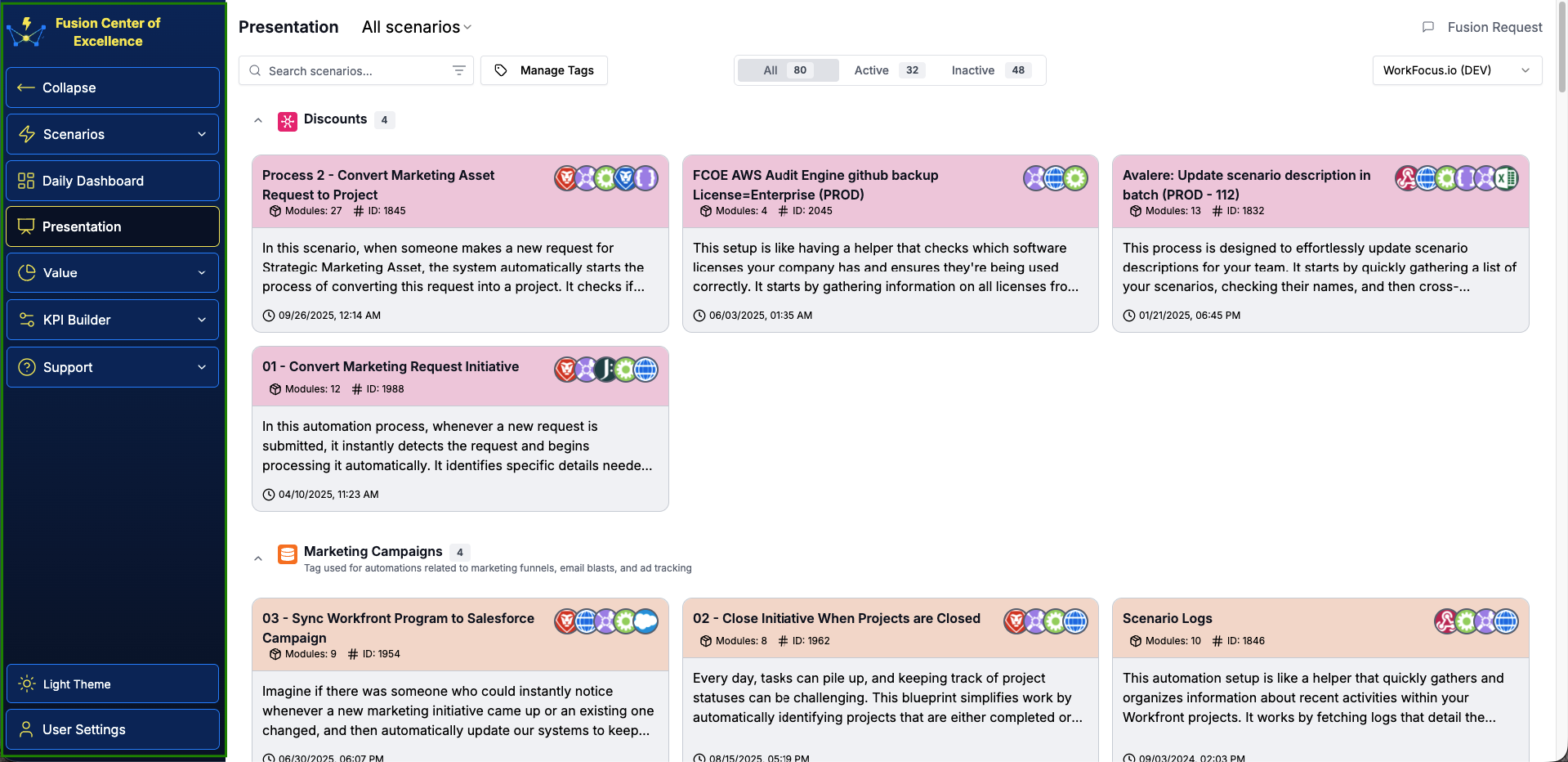
Presentation
Tile-based view of all scenarios grouped by tags. Includes a tag manager and a detailed view of the selected scenario, with metrics, descriptions, and related data.
Value
Displays how much time and money your Fusion automation is saving. Includes detailed metrics and scenario-level KPIs.
KPI Builder
Create and manage KPI types and define how each metric is calculated.